TRYTRESS STYLE GUIDES
AI Personal Color Analysis: From Photo to Practical Palette
AI personal color analysis uses a photograph to suggest colour directions worth exploring. A useful result gives you shades to compare and a way to try them, while explaining what a photograph cannot establish. Treat any suggested season as a starting hypothesis, rather than a fixed identity.
For adults who want a starting point for clothing, hair and makeup colours and are comfortable with the photo-processing limits. It does not replace controlled in-person draping or professional colour measurement.
Put it into practice
Prepare a clear portrait
Choose an unfiltered, front-facing photograph with even natural light. Keep your face and natural hair visible. Coloured lamps, strong shadows, tinted lenses and heavy makeup can change the evidence an image provides. Do not infer a new skin undertone simply because a camera adjusts its white balance.
Connect the photo to your preferences
A colour suggestion should help you get dressed. Note the occasions you dress for, the colours you already enjoy and the amount of change you want. The TryTress journey combines six questions with your portrait and additional styling preferences; it requires email sign-in and photo consent before a paid report is submitted.
Read the palette as a set of options
Look for neutral colours that can anchor outfits, accents you would enjoy wearing and combinations that make sense together. A colour name or screen HEX value describes a reference, not the measured colour of a fabric or a promise that every garment in that shade will look identical.
Compare real clothes in daylight
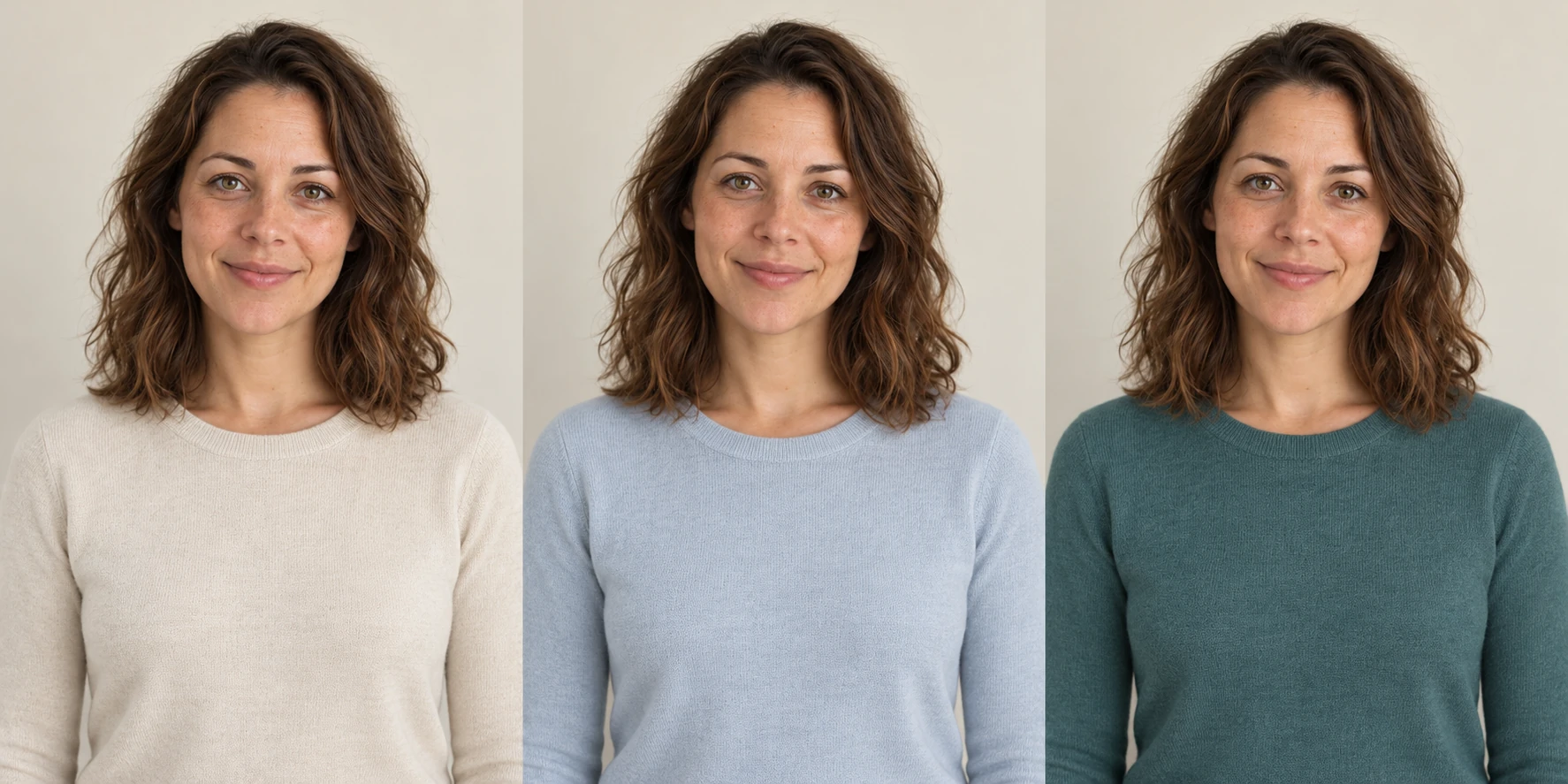
Use two tops or pieces of fabric you already own. Compare them near your face in the same daylight and framing, without changing makeup between comparisons. Consider what you enjoy wearing and whether the combination feels comfortable. A single selfie or generated comparison cannot isolate every effect of lighting and skin appearance.
Turn a colour idea into one complete look
Start with an existing neutral base and add one accent through a top, scarf or lip colour. Try the outfit before shopping. The full style report connects palette suggestions with hair, beauty, accessories and outfit recipes; the palette is one part of that wider plan.
What the suggestions can and cannot tell you
- Lighting, filters, camera processing and makeup affect the information in a photo. A seasonal label is not a clinical or scientifically measured diagnosis.
- AI advice and generated images can be inaccurate or alter skin appearance, faces and clothing details. A comparison image is illustrative, not controlled draping.
- Only submit a photograph of an adult when you have the required rights and consent. Portrait processing uses Floniks and downstream AI services; supplier-link access and deletion limits are explained in the Privacy Policy.
Bring the ideas together in your style report
TryTress costs US$19.90 once for one complete English personal style report, with no subscription. It includes six generated comparison boards, 24 written outfit recipes, a 12-piece capsule wardrobe and a 7 & 30-day plan. Personal colour guidance is included in that report; this page is a guide, not a separate free colour-analysis tool.
US$19.90 per report · one-time payment · no subscription.
This guide is free to read. Your personalised report is a paid service that combines colour, hair, beauty and wardrobe guidance.
Create my personal style report →Frequently asked questions
Can AI tell my exact colour season from one photo?
A photograph can support suggestions to explore, but it cannot establish an exact season under every light. Try the suggested shades with real clothes in consistent daylight and consider professional draping if you want a controlled assessment.
Do I need to buy new clothes to use a palette?
No. Start by comparing pieces you already own. Try one neutral and one accent together before deciding whether any purchase would help.
What happens if my paid report is not delivered?
A failed generation or undelivered report is eligible for a refund. Successfully delivered reports are normally non-refundable, subject to statutory rights. Contact support with the order reference; do not pay again to resolve a system failure.